Goal Tracking for Any Website

Know Exactly What's Driving Clicks, Signups, and Sales

Tracking a button click shouldn't require a developer. SimpleStats lets you create goals from your dashboard in seconds - clicks, form submissions, page visits - and start measuring what matters right away.

Set Up in Seconds

Destination & Event Goals

Powerful Reporting

Works on Any Website

Track Any Conversion

eCommerce Tracking

Campaign Attribution


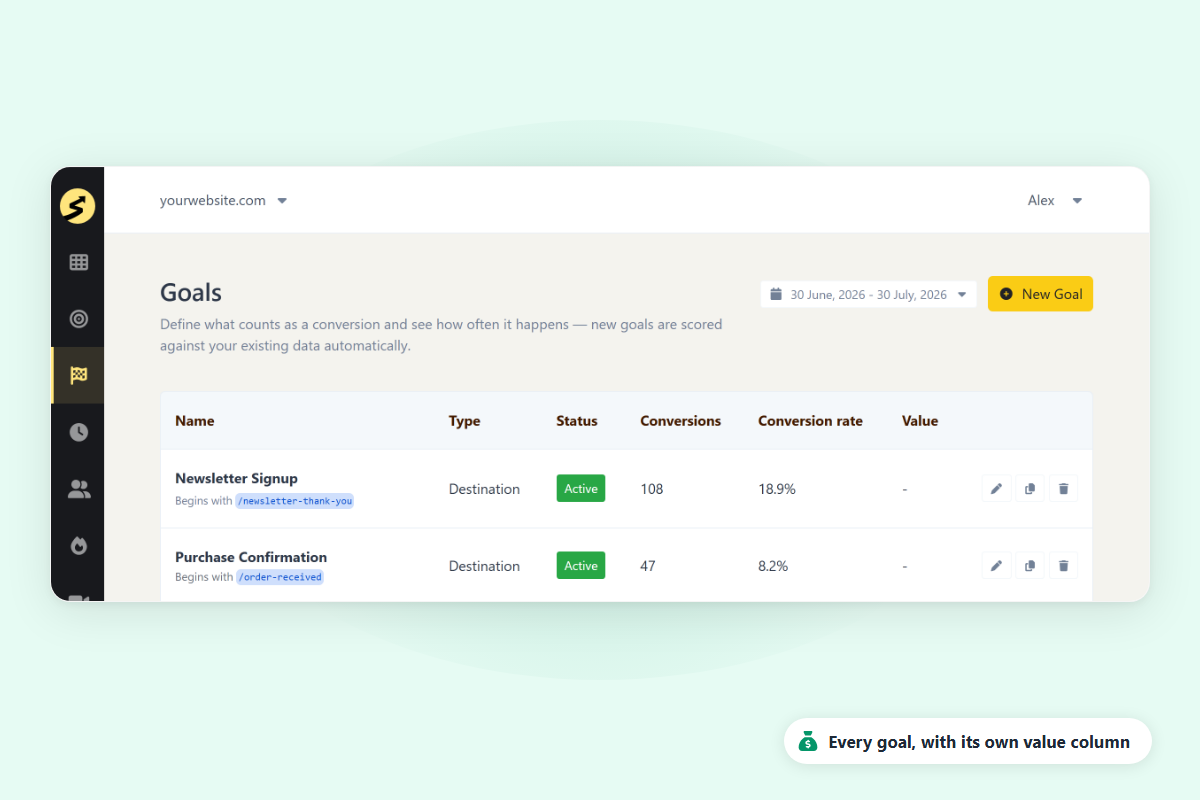
SimpleStats goal tracking dashboard showing active goals with conversion rates and completions

Finally, Goal Tracking for Every Website - Simple Enough to Set Up Yourself

SimpleStats makes measuring conversions effortless. Here are the features that make SimpleStats the simplest way to track what actually matters on your site.

Set Up in Seconds

Set up your first goal in under a minute, straight from your dashboard. No complicated setup, no outside help needed.

Destination Goals

Track visits to any specific page - a thank-you page, a confirmation screen, a pricing page. Create it from your dashboard in seconds, no code, and it's scored against the visits you've already tracked.

Event Goals

Track any action on your site - button clicks, form submissions, file downloads. Add one line of code once, then set the conditions that count as a conversion.

eCommerce Goals

Track purchases and revenue as goals. Works with WooCommerce, Easy Digital Downloads, and any custom store - automatically or with a simple setup.

Campaign Attribution

See which traffic sources and landing pages actually drive each goal's conversions, not just the overall count. Every goal gets its own breakdown, so you know exactly where to focus.

Goal Reports

See how your goals are performing over any time period. Spot trends, track progress, and know exactly what's moving the needle.

Filter & Segment

Break down goal results by traffic source, device, country, browser, and more. Understand exactly which part of your audience is converting - and which isn't.

Goal Value

Give any goal a dollar value, so a signup or a sale shows up as real revenue in your reports - not just a completion count.

Export Reports

Download your goal data as PDF or CSV. Share results with your team or client in one click - no screenshots, no copy-pasting.

Top 3 Reasons Why Users SimpleStats for Goal Tracking

See why hundreds of smart site owners are switching to SimpleStats to grow their websites.

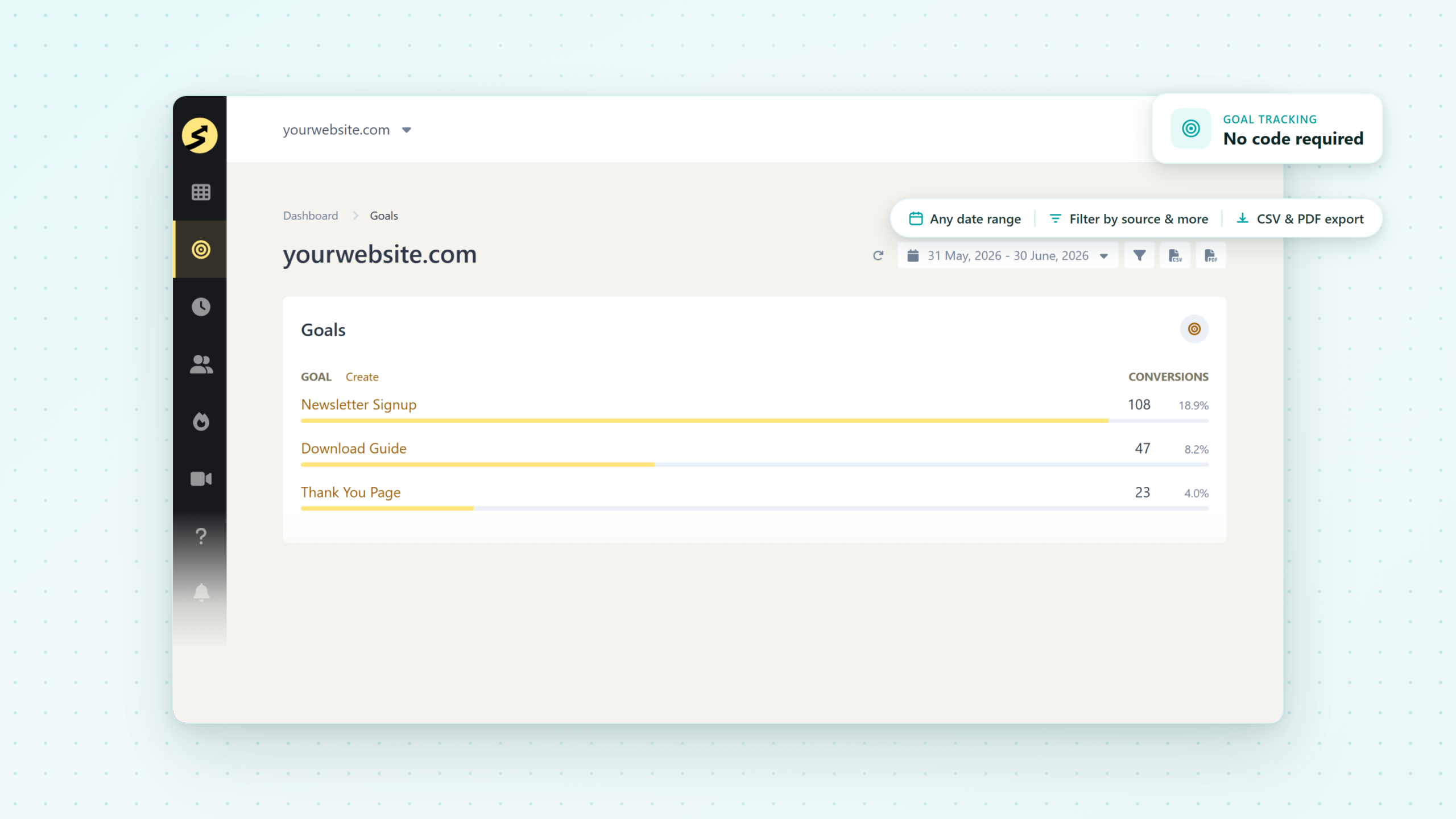
SimpleStats goals list showing Newsletter Signup, Download Guide, and Thank You Page goals with conversion rates

Two Ways to Track What Actually Matters

Not every conversion looks the same. Sometimes you just want to know someone reached a page. Other times you want to know they did something specific, like a click or a form submit.

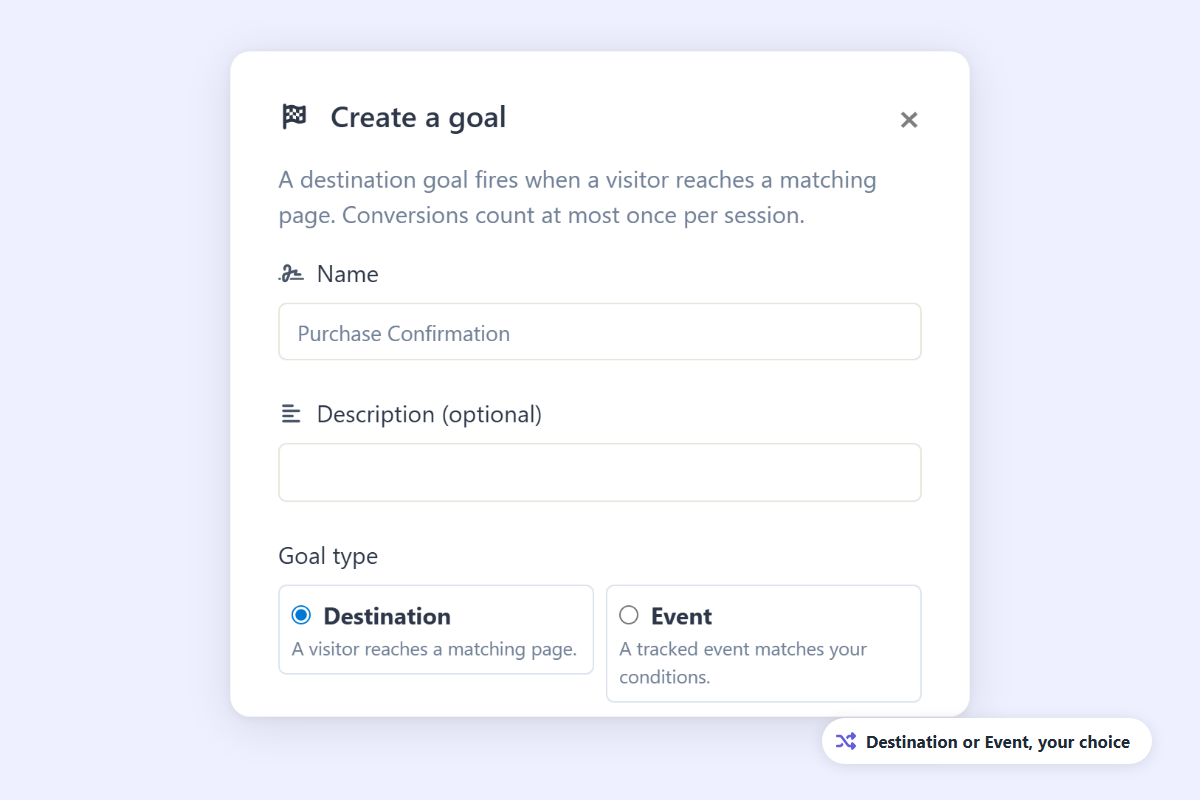
SimpleStats gives you two goal types for that. A Destination goal fires on a page visit, no code, scored against data you already have. An Event goal fires on a specific action, using one line of code you add once.

See Where People Drop Off Before They Convert

Your conversion rate is low, but that number alone won't tell you why. Maybe people bounce on the pricing page. Maybe they abandon checkout.

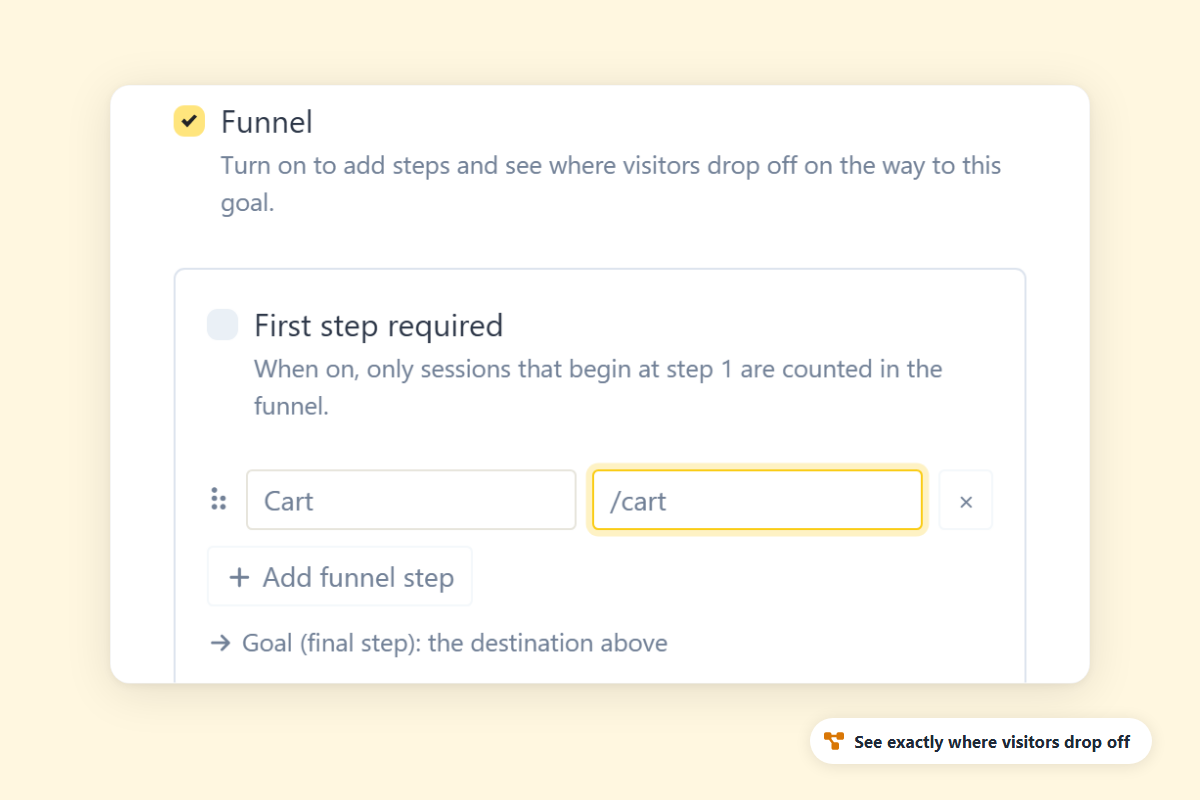
Turn on a Funnel for any Destination goal and add the steps that lead up to it. SimpleStats shows you funnel activity for each step, so you're not just guessing which page to fix.

SimpleStats goal creation form with Goal Name and page path fields - set up a goal in under a minute
SimpleStats goal tracking page with filter panel open showing options to filter by UTM source, device, country, and more

Know Not Just What Converted - But What It Was Worth

A newsletter signup and a $500 sale count the same in most tools, one completion, one tally mark. That flattens everything into a single number.

Give any goal a dollar value, then filter results by source, device, country, or browser. Now you see which channel is winning on revenue, not just clicks

Questions? We've Got Answers.

See the list below for our most frequently asked questions. If your question is not listed here, then please contact us.

What's the difference between a Destination goal and an Event goal?A Destination goal fires when someone visits a specific page - like a thank-you page after a purchase or signup. No code needed. An Event goal fires on a more specific action, like a button click or form submission, and requires adding a small line of code to your site once.

Do I need to add code to set up a goal?Only if you're setting up an Event goal. Destination goals just need a page to match against - no code at all. For Event goals, we walk you through the one line of code you add once, and after that every matching action is tracked automatically.

Does it work on any website - not just WordPress?Yes. SimpleStats works on WordPress, Shopify, Squarespace, and any custom-built site. Pageview Goals work on any platform without code. Custom Goals require adding one line of JavaScript, which works anywhere.

Can I filter goal data by source or device?Yes. You can filter any goal by UTM source, referrer, device, country, and browser. This makes it easy to understand exactly which segments of your traffic are converting - and which aren't.

Can I see revenue from my goals, not just how many times they completed?Yes. Any goal, Destination or Event, can have an optional dollar value attached to it. That value gets credited every time the goal completes, so your goal reports can show real revenue - not just a completion count.