The Simplest WordPress Analytics Plugin

Your Analytics, Right Inside WordPress

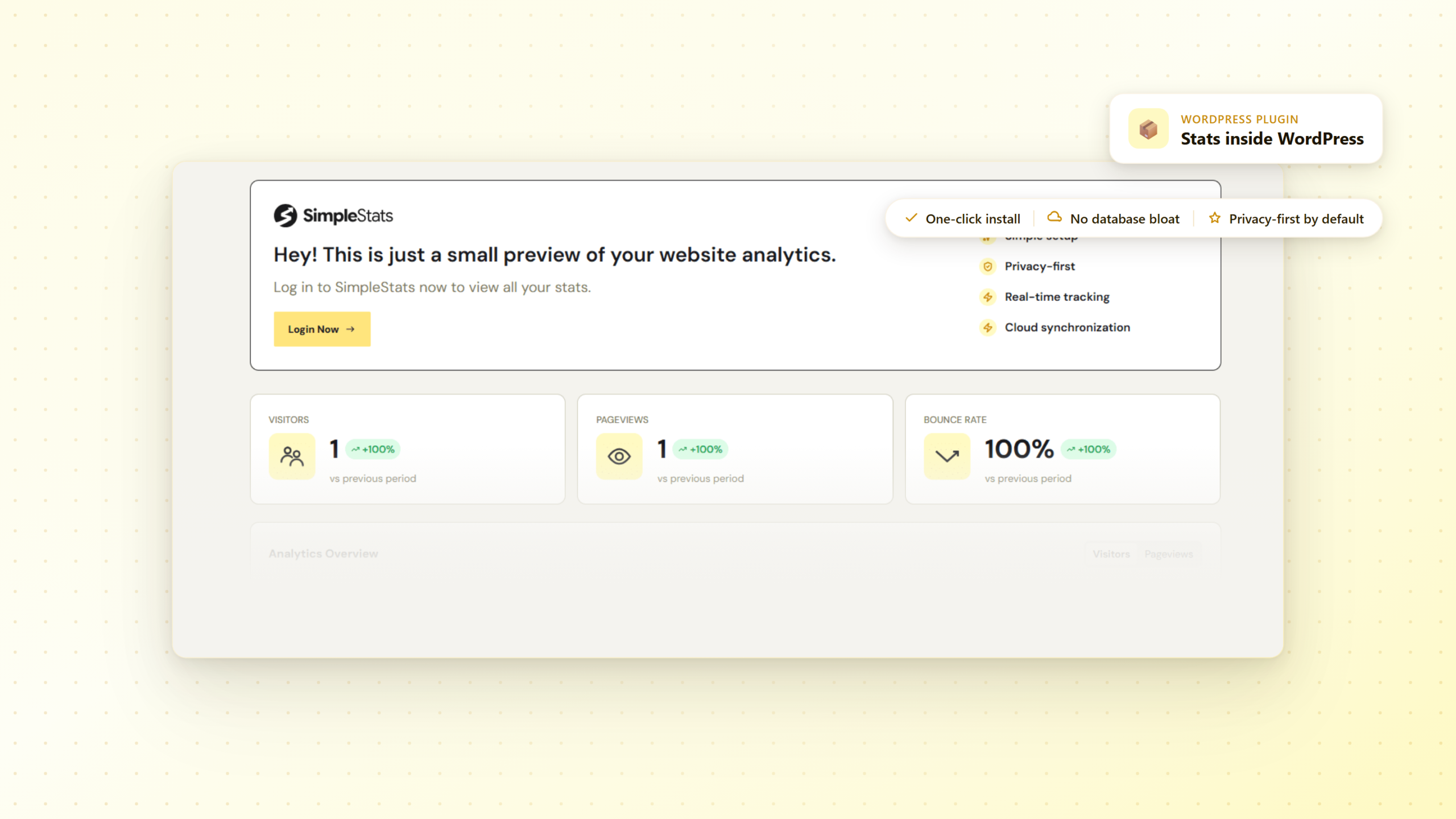
Install the SimpleStats plugin in minutes and get a live preview of your key stats directly inside your WordPress dashboard - with one click to your full analytics suite whenever you need more.

One-Click Install

Stats
Preview

One Click to Full App

No Database Bloat

Privacy-First by Default

Live in Minutes

Works on Any Site


Finally, a WordPress Analytics Plugin That Keeps Things Simple

SimpleStats makes checking your analytics effortless. The plugin is the bridge between your WordPress site and your full SimpleStats dashboard - your most important numbers always one click away.

Three Steps to Live Data

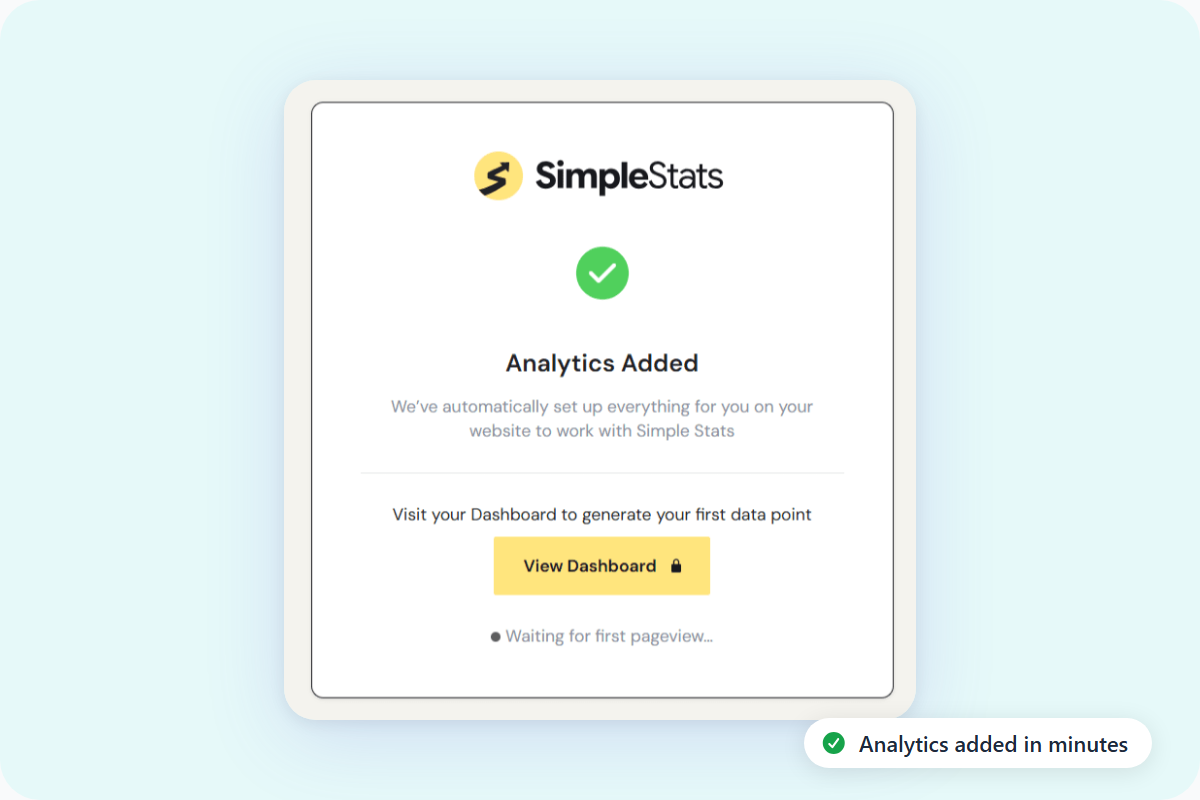
Download the plugin, activate it, log in. That's the entire setup. No code, no configuration, no developer needed - your first stats appear immediately.

Analytics Preview in WP Admin

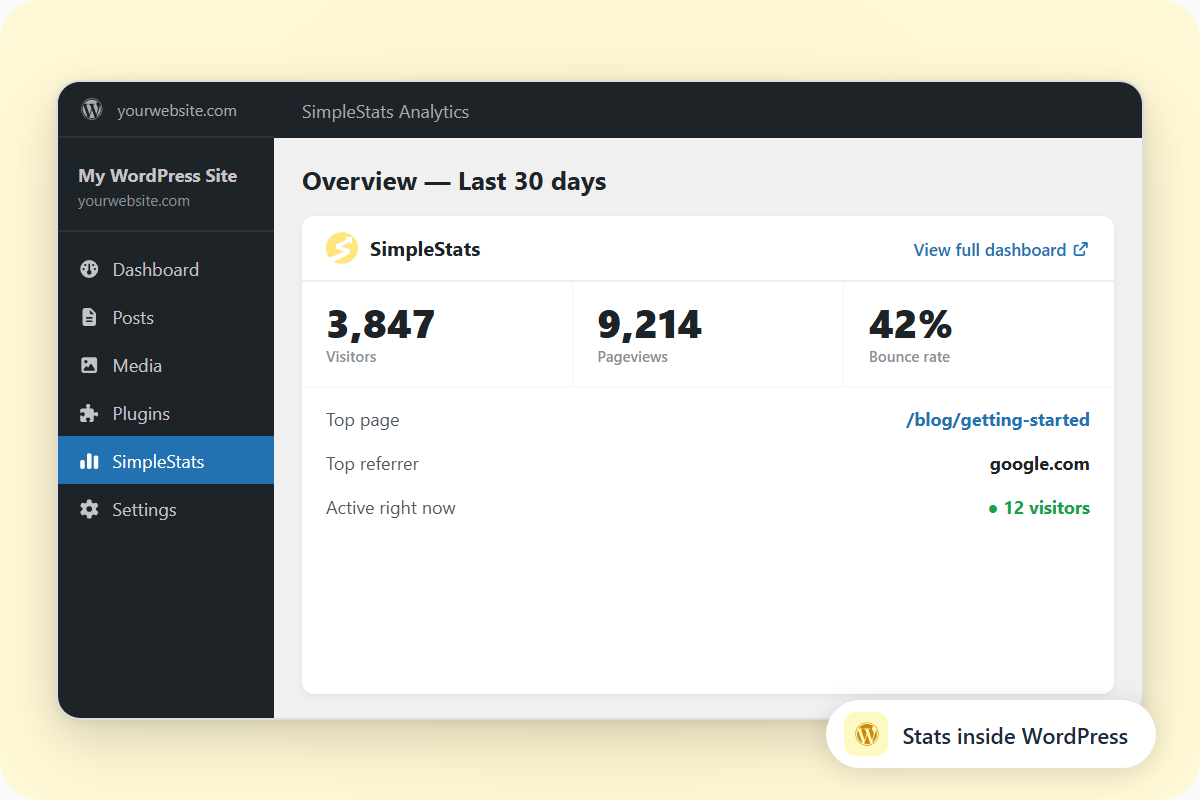
See your visitors, pageviews, bounce rate, top pages, devices, referrers, and countries without leaving WordPress. A clear snapshot of what's happening on your site, always up to date.

Real-Time Activity

The plugin shows live visitor activity right inside your WordPress dashboard. See who's on your site right now, no separate tab needed.

One Click to Your Full Dashboard

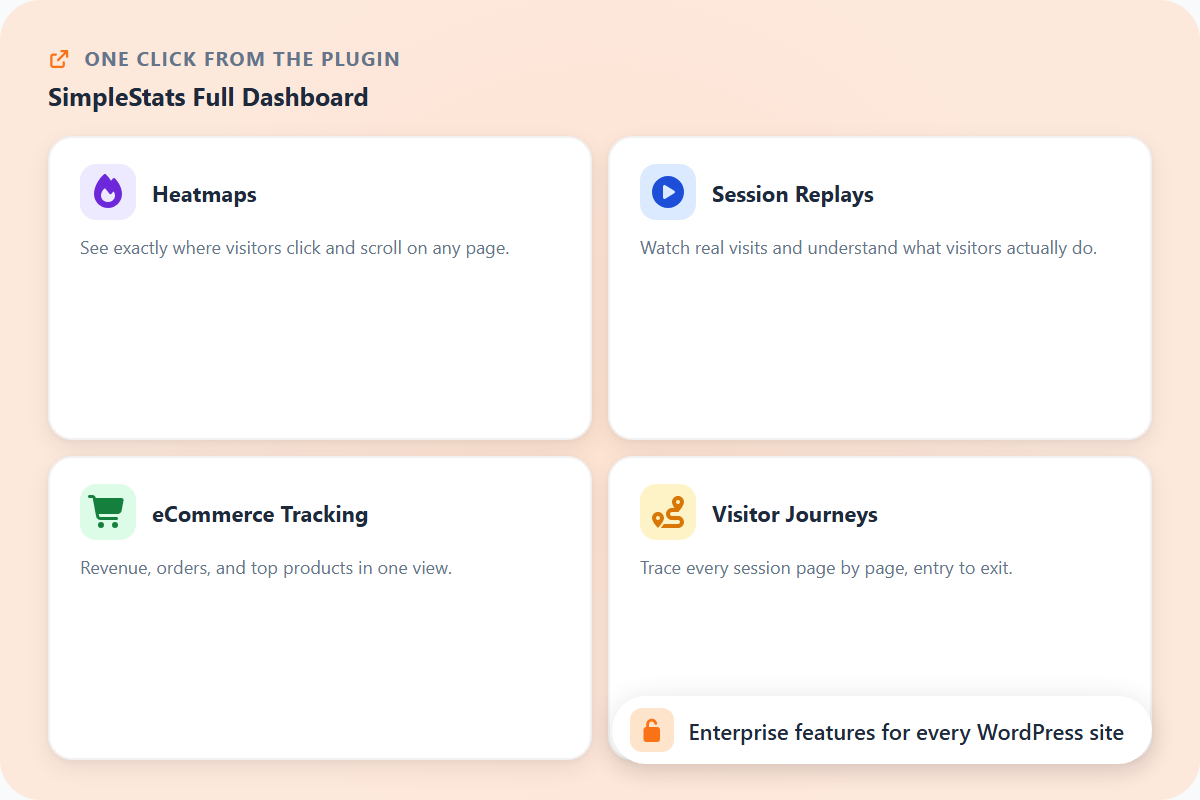
Need the full picture? One click from the plugin opens the full SimpleStats dashboard - heatmaps, session replays, eCommerce tracking, visitor journeys, and everything else.

Cloud-Powered, Zero Database Bloat

All analytics data lives on SimpleStats' servers, not in your WordPress database. Your site stays fast no matter how much traffic you get - nothing slows it down as you grow.

Privacy-First from Day One

Cookieless tracking, no consent banner, GDPR-compliant from the moment you activate. Nothing to configure - it's private by design, not by setting.

Works With Any Theme or Builder

Elementor, Divi, block themes, classic themes - the plugin works the same way everywhere. No compatibility issues, no extra steps.

Automatic Updates

Updates come through your WordPress admin like any other plugin. You're always on the latest version without thinking about it.

Free to Install

The plugin is available on all SimpleStats plans, including the free plan. Download it from the WordPress plugin directory and get started today.

Top 3 Reasons Why Users SimpleStats for Device Stats

See why hundreds of smart site owners are switching to SimpleStats to grow their websites.

Three Steps. Live Data. Done.

Most analytics tools ask you to create accounts, configure properties, edit theme files. It's enough to make most site owners put it off indefinitely.

With SimpleStats, there are three steps: download the plugin, activate it, log in. Tracking starts immediately.

Your Stats Are Right Where You Already Are

Log into WordPress and your most important numbers are already there - visitors, pageviews, bounce rate, top pages, realtime activity. No separate tab, no password to remember.

When you need the full picture, one click opens the complete SimpleStats dashboard with everything else.

Enterprise-Level Analytics, Now for Every WordPress User

Heatmaps, session replays, eCommerce tracking, visitor journeys - these used to be features only big teams could afford. SimpleStats brings them to any WordPress site.

Install the plugin, connect your site, and you have access to the same tools enterprises pay thousands for - without leaving WordPress.

Questions? We've Got Answers.

See the list below for our most frequently asked questions. If your question is not listed here, then please contact us.

Where do I find the plugin?Search "SimpleStats" in the WordPress plugin directory (Plugins → Add New) or download it from WordPress.org. Install and activate in one click.

Do I need a SimpleStats account before installing?You'll need an account to log in and see your data, but you can sign up for free during the setup process. The free plan includes the plugin and basic analytics.

Does the plugin work with my theme or page builder?Yes - Elementor, Divi, Beaver Builder, block themes, classic themes. The plugin works the same way on all of them.

Will it slow down my WordPress site?No. The tracking script is under 3KB and loads asynchronously. Analytics data is stored on SimpleStats' servers, not your database - so your site never gets heavier as traffic grows.