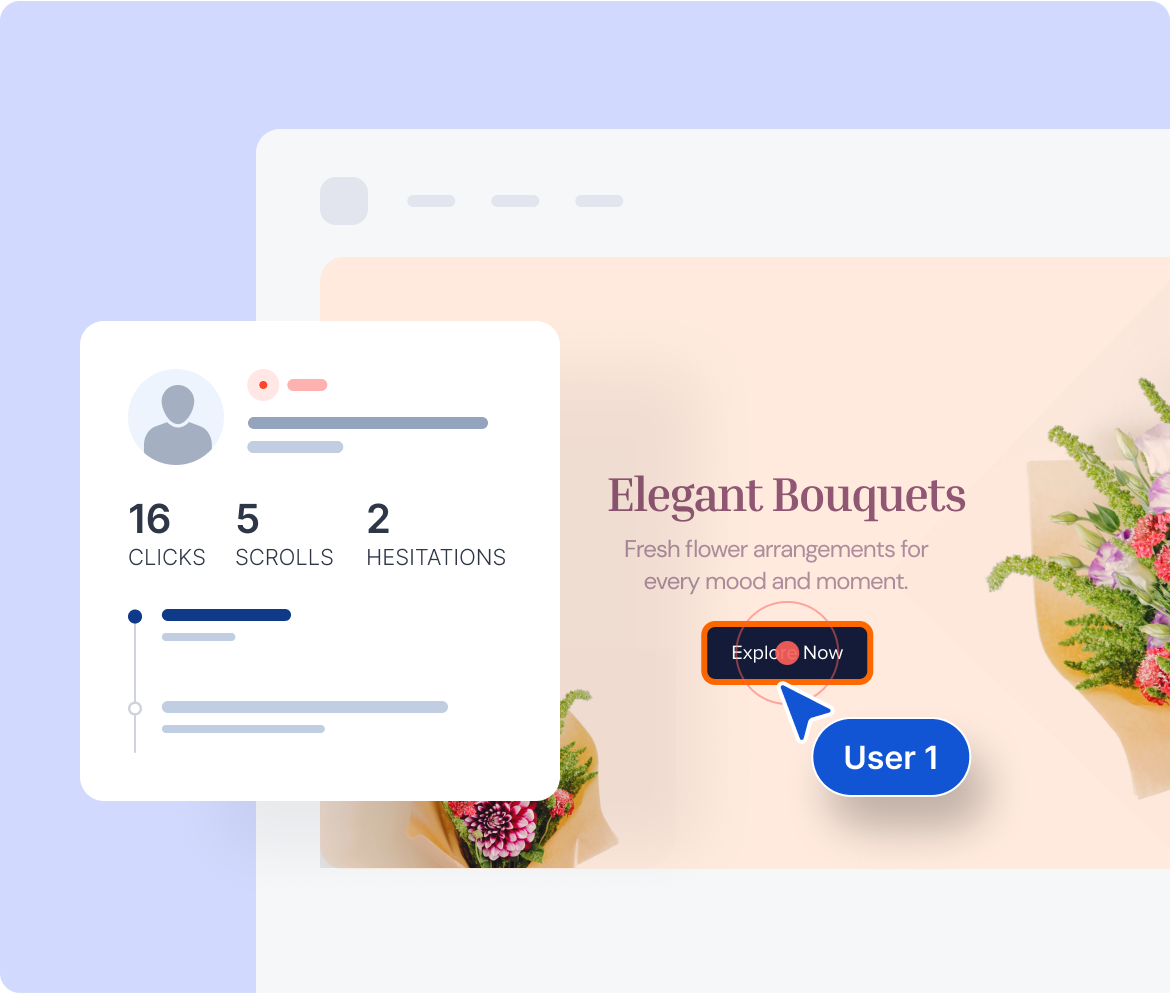
Understand user behavior in real time. With SimpleStats Session Replays, you can watch clicks, scrolls, and hesitations - so you know what to fix and where to double down.


SimpleStats makes understanding real visitor behavior effortless. Here are the features that make SimpleStats the simplest way to watch how people actually use your site.
Watch a complete recording of what a visitor did - every click, scroll, and page they visited, played back as a video on your actual site.
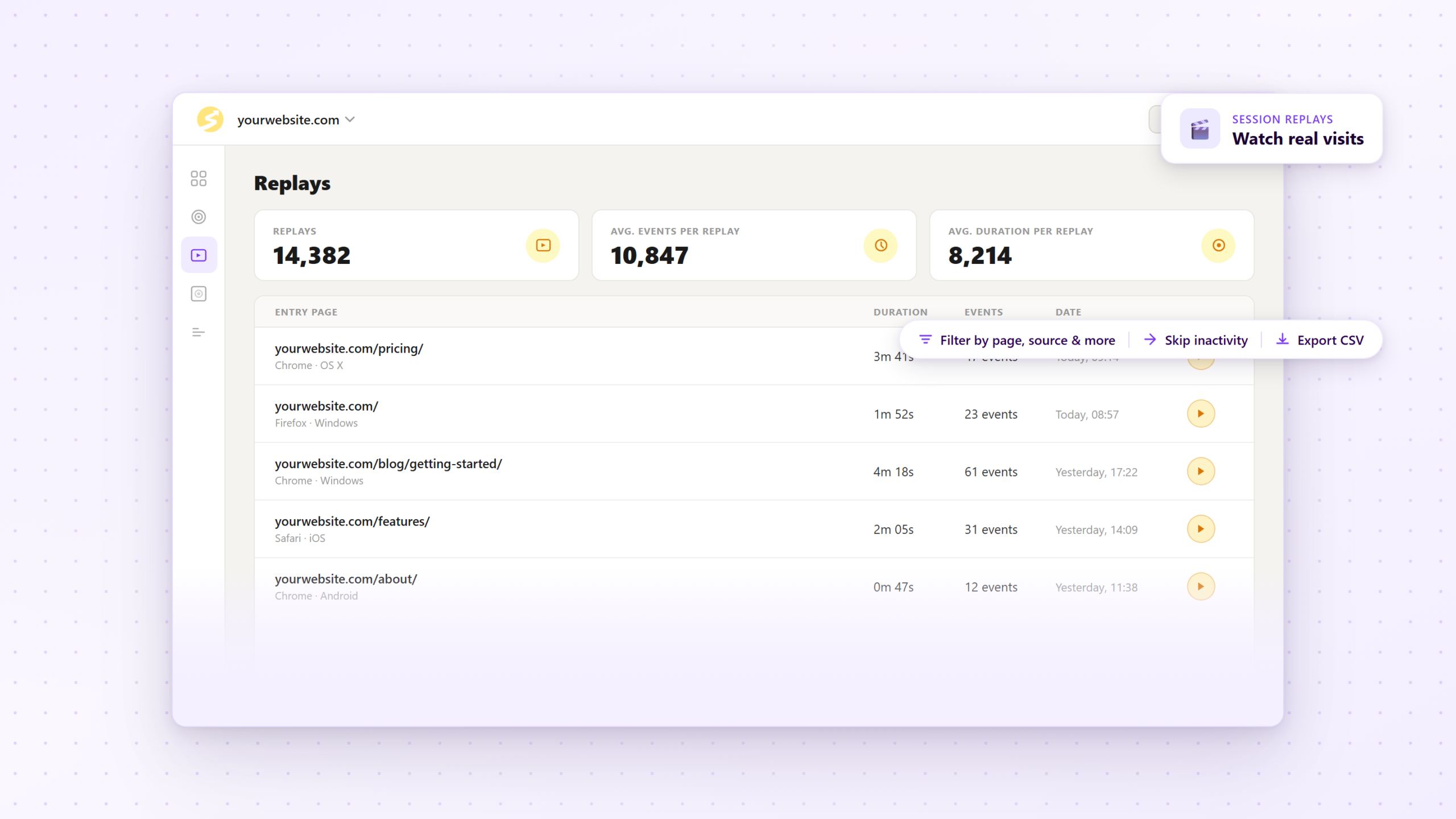
Don't sit through the moments where nothing happens. Jump straight to the interactions that matter and get to the insight faster.
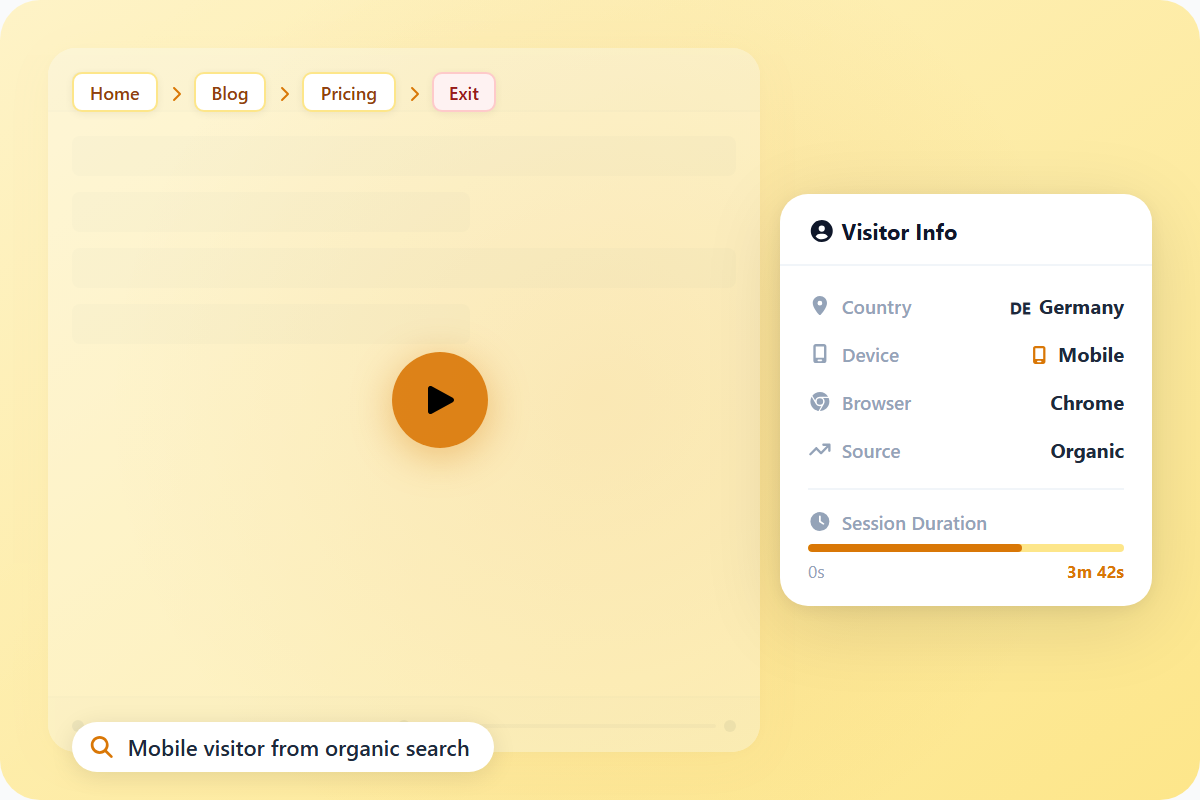
See where the visitor came from, when the session started, how long it lasted, which events were tracked, and when the replay expires - all alongside the video.
A session replay follows the visitor's complete path through your site - not just one page. See exactly how they moved from landing page to checkout to wherever they ended up.
Every scroll, click, and page change is captured and shown visually during playback. Nothing is interpolated or estimated - you're watching the actual session.
One snippet, any platform. Session replays work on WordPress, Shopify, Squarespace, or any custom-built site.
Access session replays for every site you manage from one login. No separate accounts, no extra subscriptions.
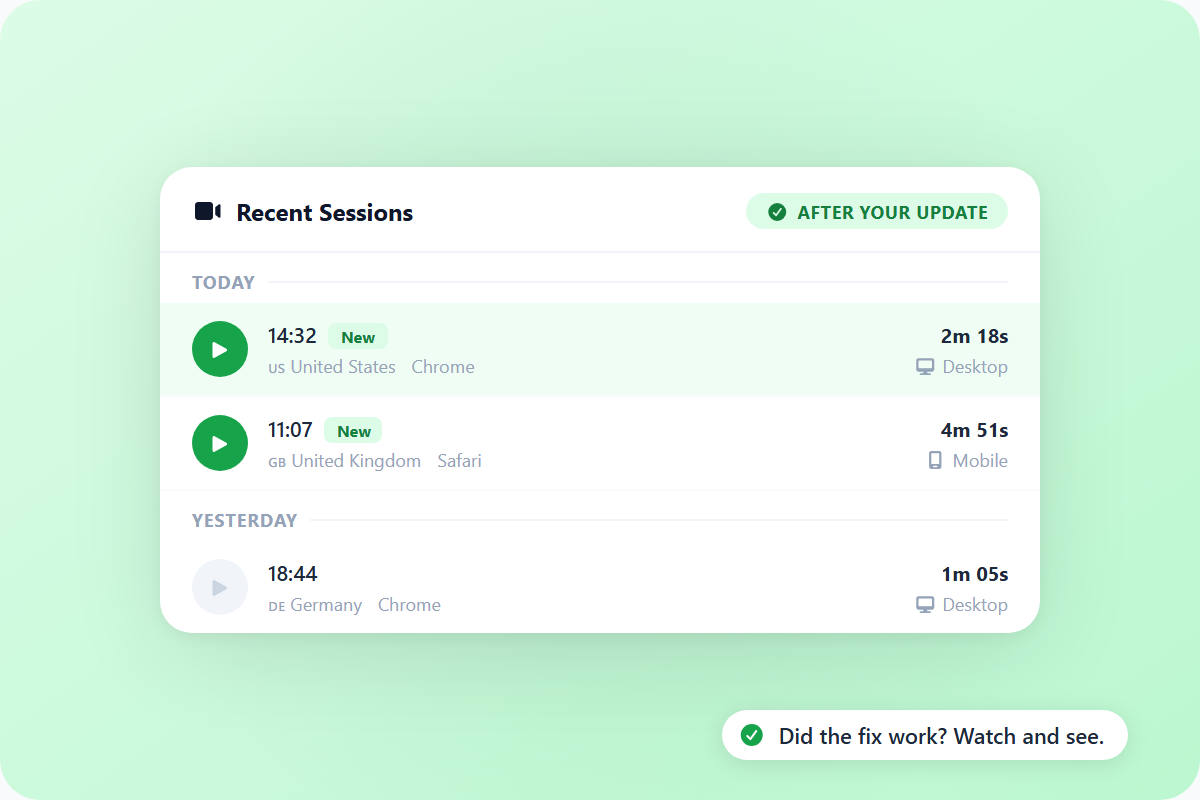
See all recorded sessions at a glance - duration, source, and start time. Scan the list and go straight to the sessions worth watching.
If SimpleStats is already on your site, session replays are one toggle away. No extra code, no separate script - just turn them on and they start recording.
See why hundreds of smart site owners are switching to SimpleStats to grow their websites.

Analytics tell you what happened in aggregate. A session replay shows you one real person, on your actual site, doing exactly what they did. You watch them land, see what catches their attention, and notice where they slow down.
One session can surface a problem that months of guessing would have missed - because you're watching behavior, not interpreting data.


You make a change and then wait for the numbers to tell you if it worked. But numbers take time, and they still won't tell you why.
Watch a few sessions after your update and you'll know immediately. Are people reaching the CTA now? Are they completing the form? You just watch what real visitors do on the new version.
See the list below for our most frequently asked questions. If your question is not listed here, then please contact us.