Visitor Analytics for WordPress & Any Website


SimpleStats shows you the people behind your traffic, not just the numbers. Here are the features that make SimpleStats the simplest way to understand who visits your site and what they actually do.
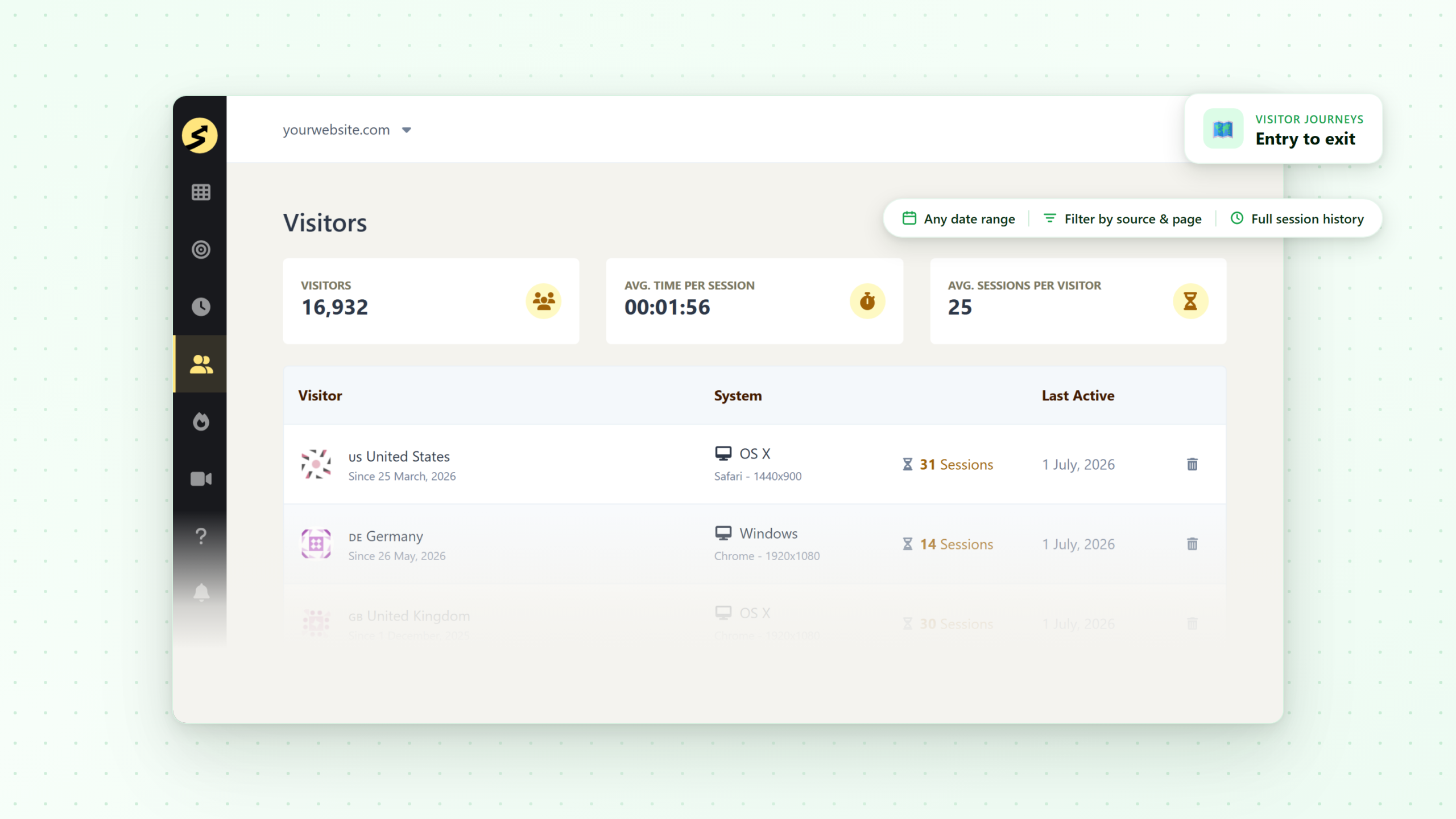
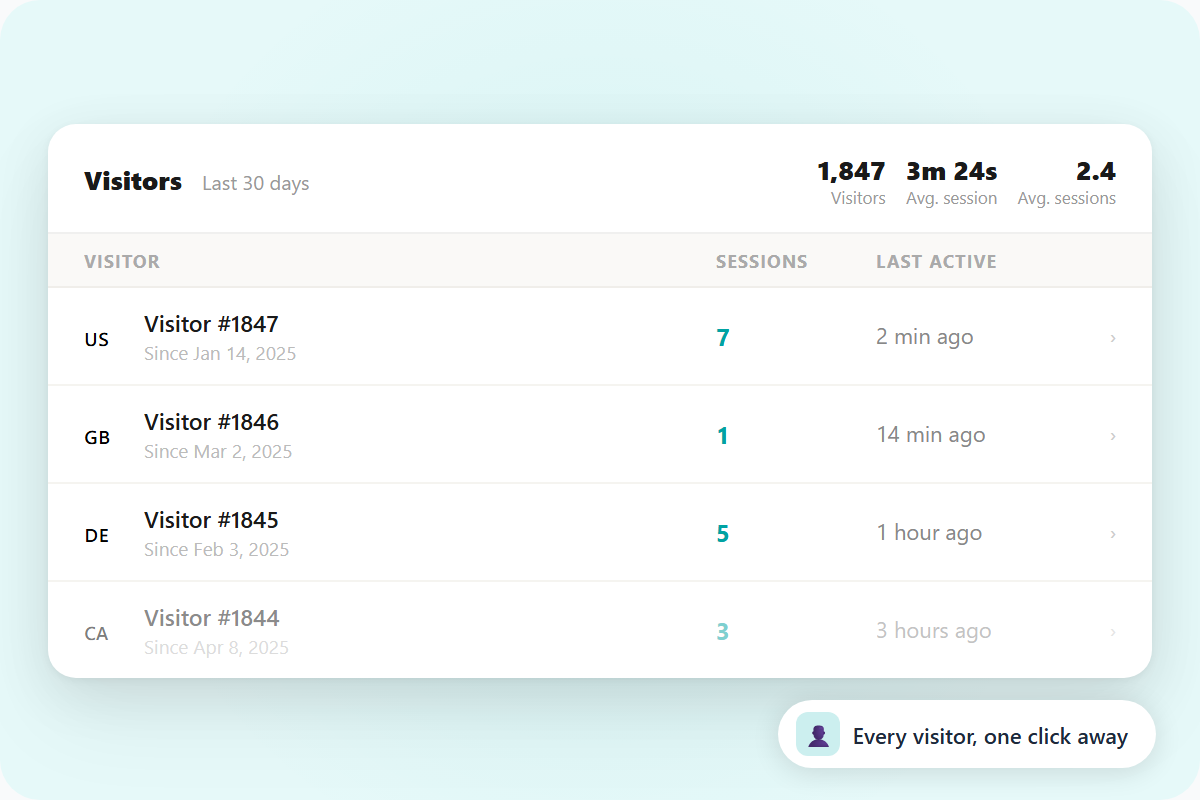
See a dedicated entry for every visitor to your site - session count, last active date, and a full history of their activity.
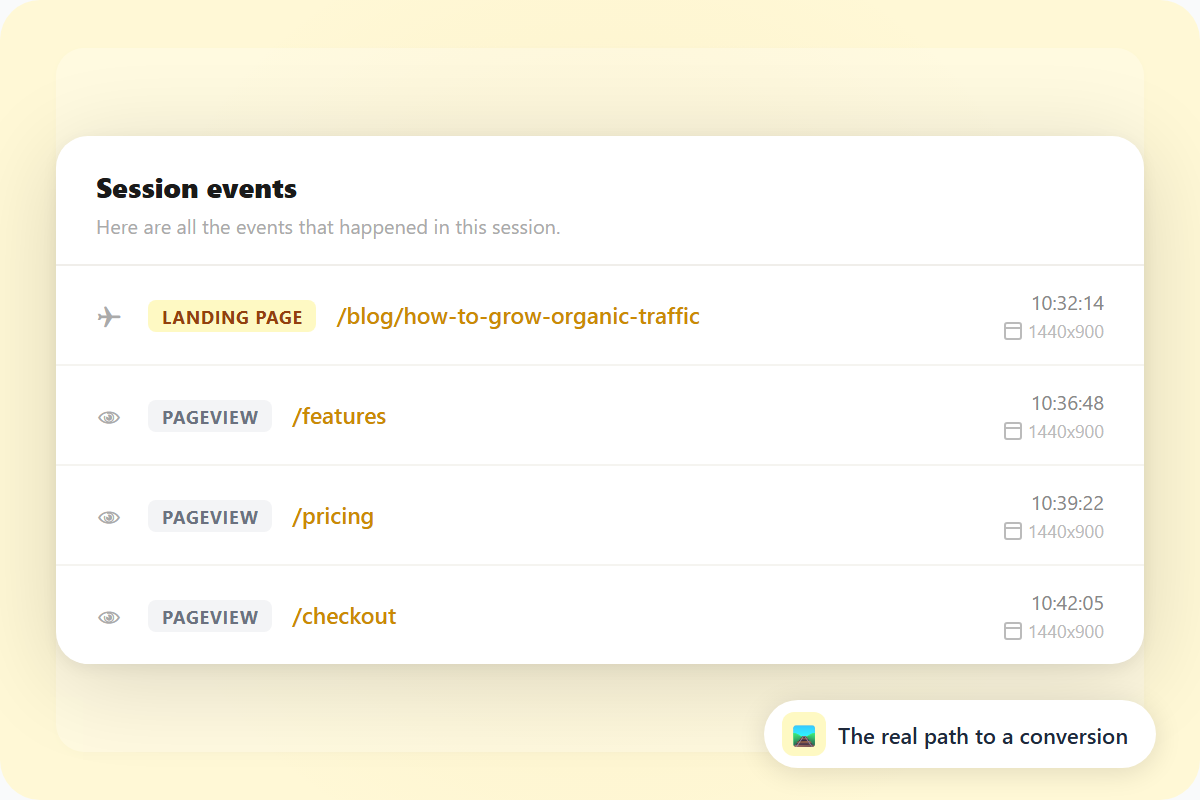
Click into any session and see every page visited in order - with timestamps, URLs, and whether each was a landing page or a return visit.
See exactly where each visitor is coming from, down to the city level. Not just aggregate country totals - per-visitor location data.
Know the device, operating system, browser, browser language, and screen resolution for every session.
See the total time a visitor spent in each session - from first pageview to last. Know how long visitors actually engage before leaving.
Track when a visitor first arrived and when they were last active. Spot your returning visitors at a glance.
See how many sessions the average visitor has - a quick signal of how many people come back vs. visit once and leave.
Visitor data is stored from day one with no retention limit. Filter by any date range or go all the way back to the start.
One snippet, any platform. Visitor journey tracking works on WordPress, Shopify, Squarespace, or any custom-built site.
See why hundreds of smart site owners are switching to SimpleStats to grow their websites.

"47 visitors today" tells you people were on your site. It doesn't tell you where they came from, what they looked at, or whether any have been back before. The Visitors section turns that number into individual entries you can explore.
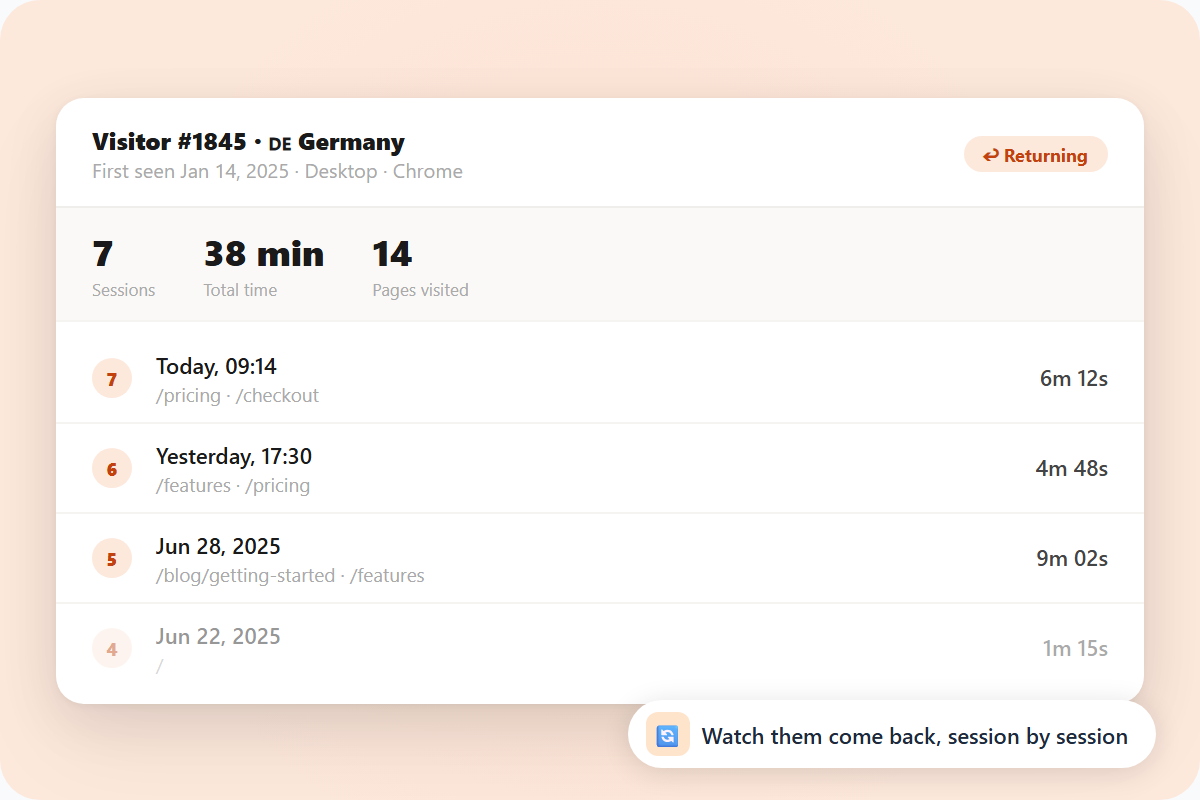
Click into any visitor and see their full history - every session, every page, the device they were on, and where they were. Traffic data becomes something you can read.
Most visitors don't go straight to a purchase or a signup. They read a post, check the pricing page, come back a day later, and then convert. The Visitors section shows you the full page sequence of any session - so you can see the actual path people took before they got there.
That's more useful than a funnel you built in advance. You're looking at what visitors actually did, not what you expected them to do.


Some visitors come once and leave. Others come back repeatedly - reading new posts, checking for updates, following your work. The avg sessions per visitor and first/last session dates show those patterns without any extra setup.
When you know which visitors keep returning, you understand what's working - not from a chart, but from real behavior over time.
See the list below for our most frequently asked questions. If your question is not listed here, then please contact us.