

Cookie banners are everywhere. If you’re building a website and want to understand your traffic, you’ve almost certainly been told you need one. That’s only partly true.
Most analytics tools, including Google Analytics, work by storing a small tracking file called a cookie on each visitor’s browser. Under GDPR and similar laws, cookies that identify individuals count as personal data. Collecting personal data requires visitor consent – hence the popup.
Change the tool, and the problem disappears entirely. This guide shows you how to set up analytics that tracks everything you need without setting a single cookie – and without showing visitors a consent banner.
In This Article:
Why Cookie Banners Exist in the First Place
When a visitor lands on your site, Google Analytics drops a cookie onto their browser. That cookie assigns them a persistent ID and tracks their activity across visits – and sometimes across different websites entirely.
Privacy laws like GDPR, PECR (the UK’s equivalent), and CCPA in California classify this as processing personal data. To process personal data, you need a legal basis. For most sites, that legal basis is consent – the “Accept” button visitors click on your banner.
The cookie banner isn’t about analytics. It’s about the cookie. Remove the cookie from the equation, and the requirement for the banner goes with it.
Key Takeaway: Cookie banners exist because of cookies – not because of analytics. The two are separate problems.
Analytics Without Cookies: How It Works
Some analytics tools are built without cookies. Instead of storing a persistent ID on each visitor’s browser, they use temporary session data that resets daily – no personal identifiers, no way to track individuals across sessions.
When no cookie is set and no personal data is collected, there is nothing to consent to. Several European data protection authorities, including France’s CNIL, have confirmed that properly implemented cookieless analytics is exempt from the GDPR consent requirement.
You still get the metrics that matter: where visitors come from, which pages they read, what devices they use, how many conversions happen. What you don’t get is the ability to track individual users across sessions – which most site owners don’t actually need.
Key Takeaway: Cookieless analytics is legally exempt from consent requirements – not as a workaround, but because there is no personal data being collected.
How to Add Cookie-Free Analytics to Your Website
SimpleStats is built exactly this way – no cookies, no consent banner, and full traffic data from the first visit. Here’s how to add it to any site.
On WordPress
The easiest path is the free WordPress plugin.
- In your WordPress dashboard, go to Plugins → Add New and search for “SimpleStats”
- Install and activate the plugin
- Click SimpleStats in your sidebar and connect your account
- When prompted, select Lightweight tracking
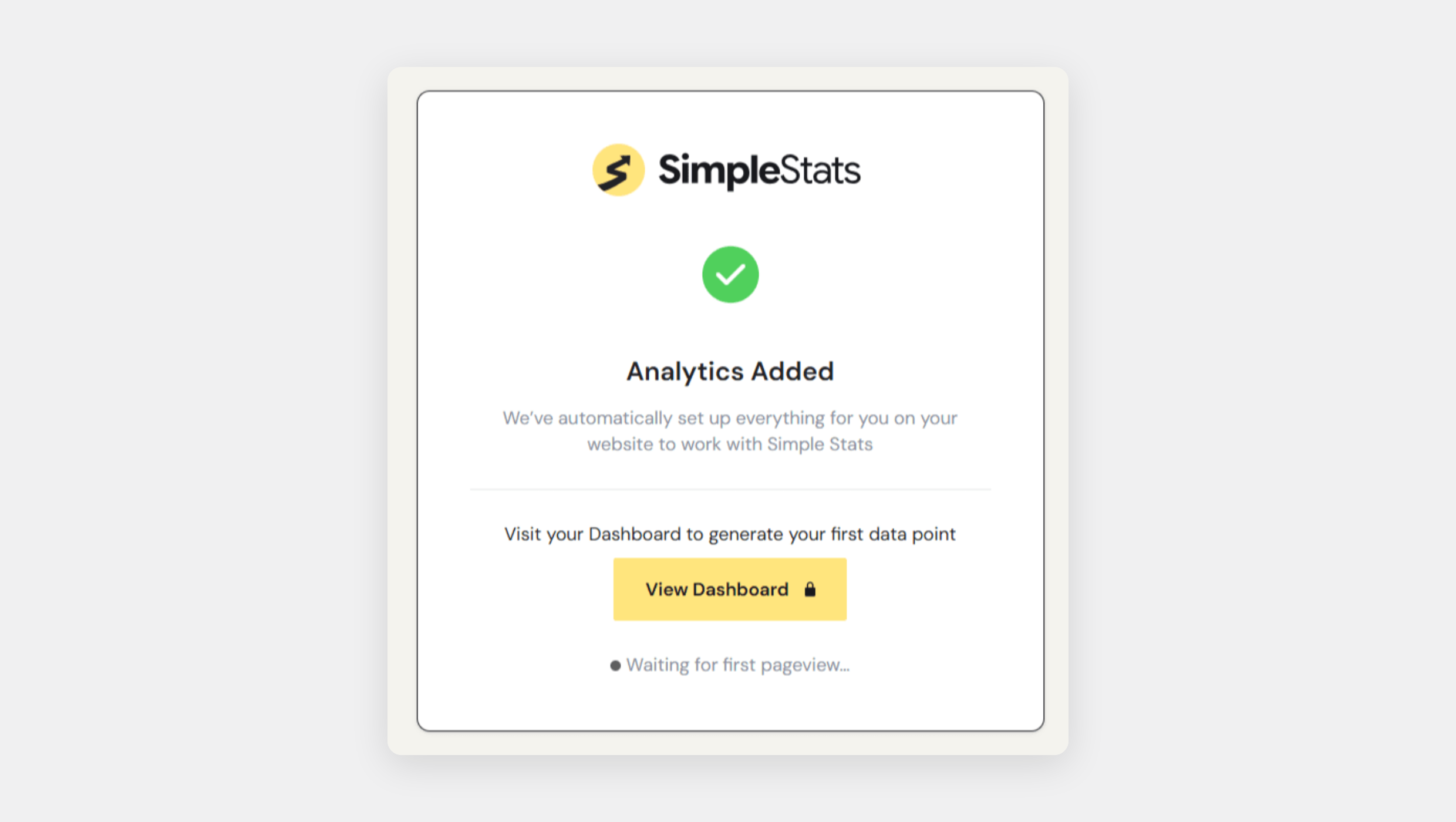
Tracking starts immediately. No cookie banner, no consent configuration, no code to write.
On Any Other Website
If you’re on Shopify, Squarespace, a custom-built site, or anything that lets you edit the page’s <head>, the setup takes about the same amount of time.
- Create a free account at simplestats.com/pricing
- In your dashboard, go to Websites → Add Website
- When prompted, select Lightweight tracking
- Copy your tracking code – a single line of JavaScript
- Paste it into your site’s
<head>section (most website builders have a “custom scripts” or “header code” field for this)
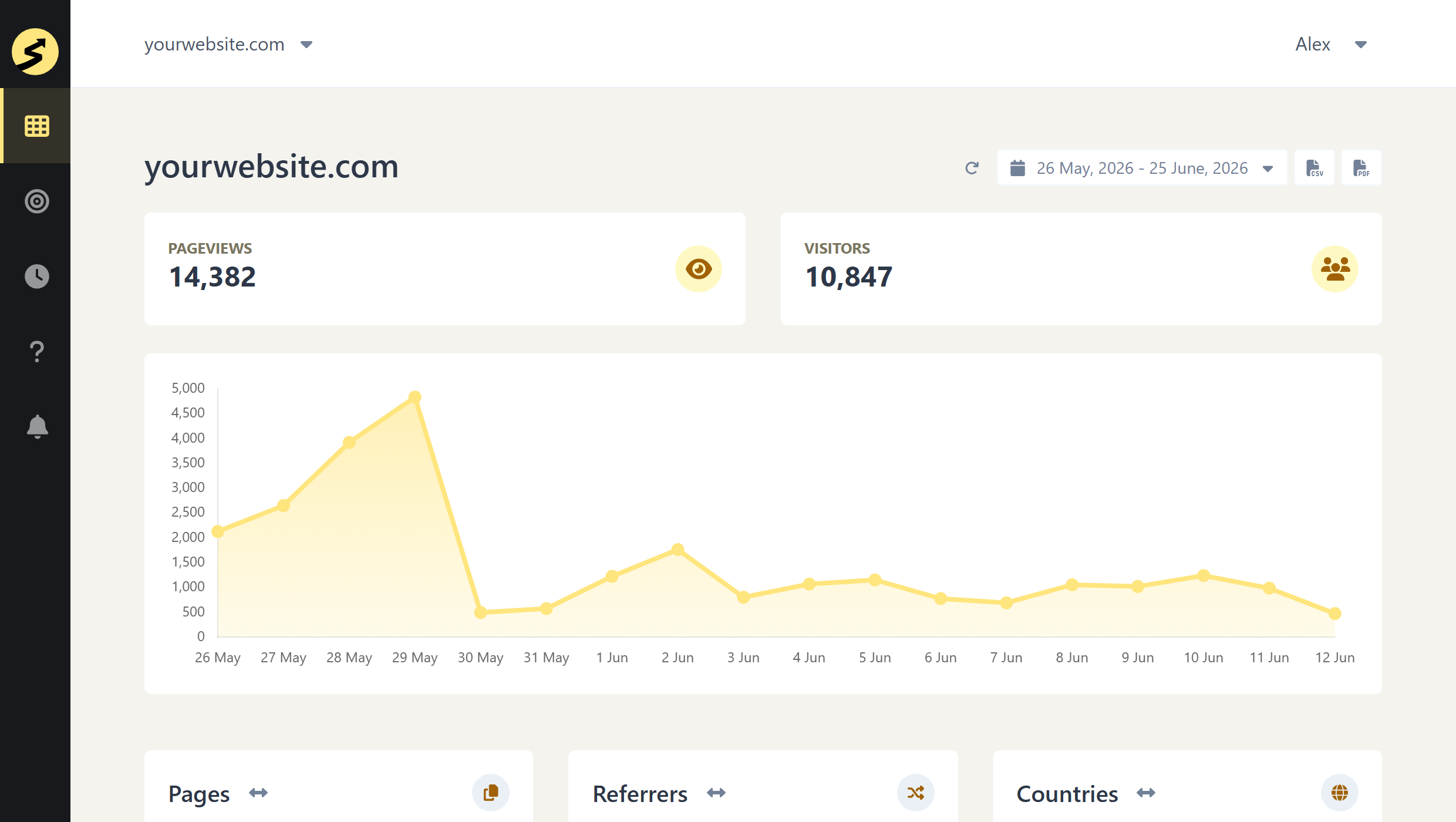
Open your SimpleStats dashboard – you’ll see live visitors within minutes
Key Takeaway: Setup takes under 2 minutes on any platform – no developer, no configuration, no cookie banner to set up alongside it.
Try SimpleStats Free
No cookies, no setup headaches, no credit card needed. See your traffic in minutes.
Get SimpleStats Now →The Data Accuracy Bonus: You’ll See More Traffic, Not Less
Here’s something most site owners notice after switching to cookie-free analytics: the numbers go up.
When you run a cookie banner, a significant portion of visitors – often 30 to 50 percent – decline tracking or close the popup without interacting. Their visit is never recorded. Your analytics has been showing you a subset of your real traffic, not all of it.
Cookie-free analytics tracks every visitor from the first pageview, with no consent required. Lightweight privacy-first scripts are also generally not blocked by browser privacy settings the way Google Analytics is. The result is more complete data, not less.
Key Takeaway: Without a banner to decline, every visitor is counted – not just the ones who clicked “Accept.”
What You Can Track Without Any Cookies
Cookie-free analytics is not a stripped-down version of traditional tracking. Here’s what SimpleStats shows you without setting a single cookie:
- Where visitors come from – search, social, direct, or tagged campaign links
- Which pages they visit
- Countries, cities, devices, and browsers
- Live visitors on your site right now
SimpleStats also includes heatmaps and session replays – visual data showing exactly where visitors click and how they navigate your site. These advanced features use cookies and local storage to track visitor behavior across sessions – which means they do require a consent banner. The difference from Google Analytics: the cookies store only anonymous hash-based identifiers, your data never leaves SimpleStats, and it’s never sold or used for advertising. You get the behavior insights without the data harvesting.
Key Takeaway: Core analytics – traffic, pages, sources, and conversions – no cookies required.
Is Cookie-Free Analytics Legally Sound?
It’s the right question to ask. The short answer is yes – and the reasoning is straightforward.
Privacy laws target the collection and processing of personal data. When an analytics tool sets no cookies, stores no personal identifiers, and cannot link any visit to a specific individual, it doesn’t meet the definition of personal data processing. The legal consent requirement simply doesn’t apply.
A few practical notes worth keeping in mind:
- You should still mention your analytics tool in your site’s privacy policy – a brief sentence is enough
- This exemption holds because the tool is architecturally incapable of tracking individuals, not because of a privacy setting you could accidentally misconfigure
- This applies under GDPR (EU), PECR (UK), and CCPA (California)
Key Takeaway: Cookie-free analytics doesn’t avoid the law – it operates outside the scope of consent requirements because there is no personal data involved.
Recommended Reading
Try SimpleStats Free
No cookies, no setup headaches, no credit card needed. See your traffic in minutes.
Get SimpleStats Now →Legal Disclaimer: This article is for informational purposes only and does not constitute legal advice. Privacy laws vary by jurisdiction, consult a qualified attorney to ensure your analytics setup meets the legal requirements in your region.
Frequently Asked Questions
Does Google Analytics require a cookie banner?
Yes. Google Analytics stores cookies on visitors’ browsers and sends their data to Google’s servers. Under GDPR and PECR, this counts as processing personal data, which requires a consent banner on your site.
Can I use analytics on my website without a cookie consent popup?
Yes – if your analytics tool doesn’t use cookies or collect personal data, no consent popup is required. Tools like SimpleStats track visitors using temporary, anonymized session data with no cookies and no personal identifiers.
Will I lose data accuracy if I switch to cookie-free analytics?
Most site owners see more accurate data after switching, not less. Cookie banners cause 30-50% of visitors to decline tracking, so those visits go uncounted. Cookie-free analytics tracks every visitor from their first pageview with no consent required, giving you a more complete picture.
Does SimpleStats sell or share my visitors’ data?
No. Your analytics data stays exclusively on SimpleStats’ servers. It’s never sold, never shared with third parties, and never used to power advertising – for any plan or feature.
Do I need to update my privacy policy if I switch to cookie-free analytics?
Yes, but only briefly. Add a short note to your existing privacy page mentioning which analytics tool you use and that it sets no cookies and collects no personal data. No cookie policy needed, no consent management platform required.